

"Please check" will confuse the next person
Before the person in charge went on leave, they left a note on their desk saying, "Please check the order." The successor can open the order email, but doesn't know what to cross-reference it with, or if they should even reply. All scenarios and examples below are fictional.
What you want to leave in a handover document is not just the name of the task, but also the information needed to proceed with that task. Rewriting "check" as "confirm that the order number is not in the reception list" conveys both where to look and what to confirm. Before thinking about who is at fault, let's unravel the assumptions hidden in short phrases.
For handovers due to retirement or transfer, separate routine tasks from ongoing projects. For routine tasks, leave the trigger for starting and the procedure. For ongoing projects, leave what has been completed, who is awaiting a reply, and the deadline for the next check. The key is not to mix explanations that are read every time with situations that change only today into one long text.
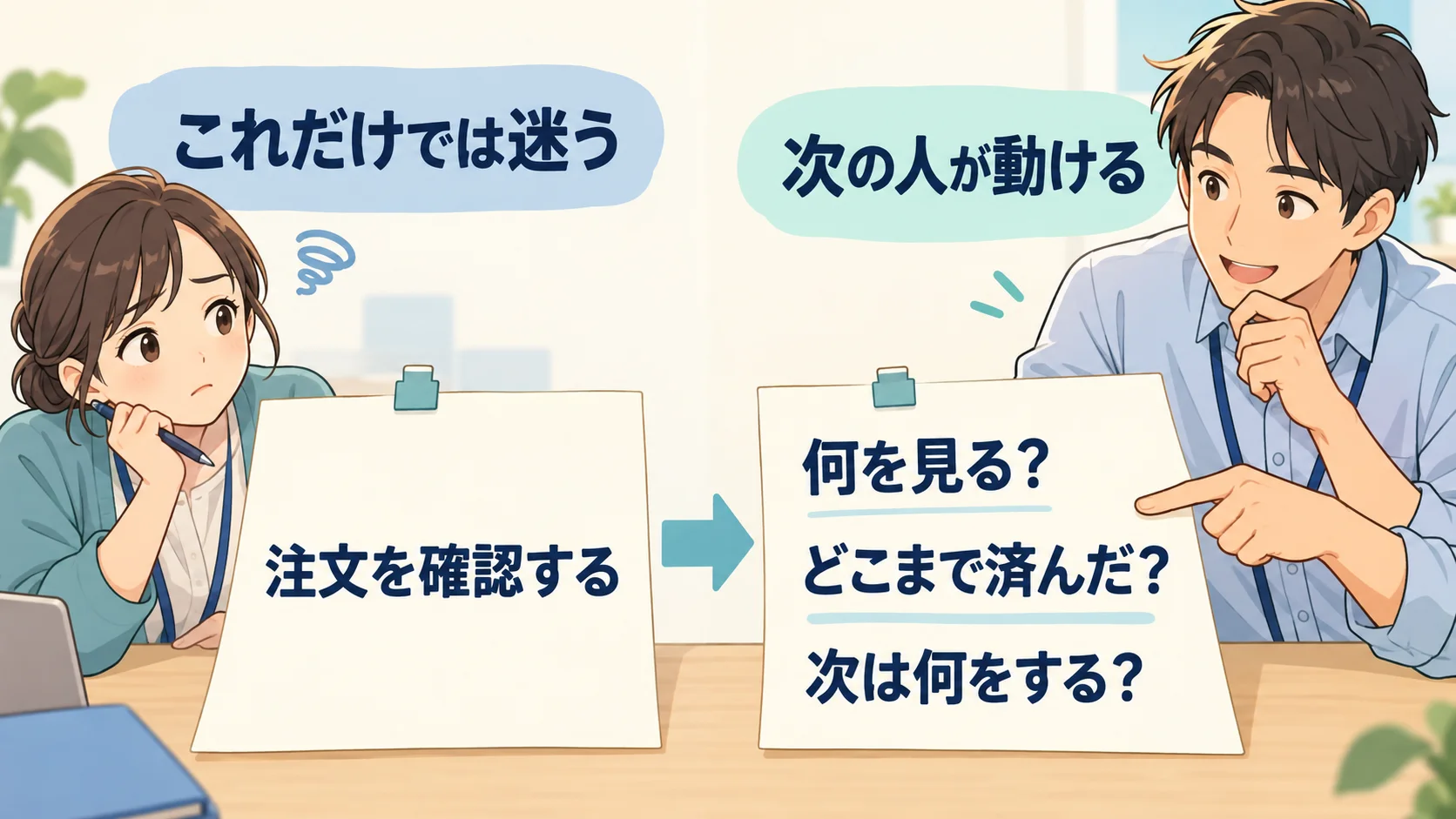
What can be understood from the diagram: For the next person to take action, they need to know what to look at, what has been completed, and what to do next. These three points serve as the entry, supplemented by the deadline, completion markers, and confirmation contacts mentioned in the main text.
Items to include in a handover document and their order
First, choose one task. For order reception, define the scope from receiving the order to internal communication, and direct detailed billing and shipping procedures to other documents. There's no need to cram all company tasks onto one piece of paper.
First, write the purpose of the task and the trigger for starting it. Next, list necessary documents, standard procedures, and completion markers, and finally add conditions for stopping and points of contact for confirmation. Simply listing operations in order can make it seem acceptable to proceed even with orders lacking necessary information.
For ongoing tasks, separate "what has been done," "what to do next," and "what is undecided." Just "in progress" can lead to the successor sending duplicate communications. Writing "Quantity confirmation email sent. Reply not yet received. The person in charge of orders will check the inbox tomorrow at 3 PM" provides a clue to resume from the middle.
- Scope of work and trigger for starting: Which notification/date/time to start with.
- Documents to view and order of progression: Location and items to cross-reference.
- Deadline and next action: When, and which role does what.
- Completion markers: List status, communication records, etc., that can be verified later.
- Conditions for stopping / Confirmation contacts / Undecided matters: Situations where you shouldn't decide yourself and need to ask, and contacts for confirmation when you are absent.
Reading a fictional example for order reception
The task name is "Order Reception." The trigger for starting is "when a new order arrives in the order reception inbox." What to look at are the order email and the reception list. Confirm if the order number, product name, quantity, and desired date are complete, and if the same order number is not already registered.
The usual sequence is "verify required items → enter into reception list → hand over contents to shipping department." The completion marker is "the list shows as received, and a record of communication to the shipping department remains." "Received" does not mean the delivery date is guaranteed.
If there is insufficient information, an existing order number, or a change in the desired date, do not proceed with registration and confirm with the order manager. Write contact information by role, and refer to an internal list that shows the person in charge of that role and who to contact when they are absent. The procedures in this example are for practice. Please adjust actual reply deadlines, approval, and communication order according to your workplace rules.
Small question
It says "Received," but I don't know if the shipping department has been contacted. Should the successor send the same communication?
First, look for a record of the communication, and then confirm with the previous person in charge or the contact person. Judging completion solely by the status name can lead to duplicate communications or missed communications. For completion markers, include both the status name and the location of the communication record.
Even if there's a rule to resend the same notification internally, confirm what to resend and ensure the recipient doesn't receive duplicate requests. For urgent matters, state the deadline and any unknown points, then pass it to the responsible party for a decision.
For pending tasks, note down the next follow-up date.
A short memo like "awaiting client" hides what and from whom you are waiting. Whether you asked for order quantity or shipping date changes who acts next. Connect the task and the location of the record, e.g., "Awaiting quantity reply. Confirmation email is in the shared inbox's sent folder."
Furthermore, add the next follow-up time, e.g., "If no reply by tomorrow 3 PM, pass decision to sales manager." The time shown here is a hypothetical example; actual deadlines are set by agreements with the other party or workplace rules. The day the other party replies and the day we check the status are different.
When the successor checks, don't just delete the previous record; leave notes on what has changed, such as "Reply received, quantity reflected in list, contacted shipping department." Having a place to refer back to the answer itself allows for verification of agreed conditions when passing it to the next person. Sometimes, it's easier to read if the locations of records used for decisions are organized, rather than copying the entire exchange.
Conversely, it's also important not to label work that hasn't been confirmed with the other party as "awaiting client." Before handing over, review the list once to ensure there are no tasks stalled because someone thought they had passed them on.
Free template and handover memo you can create on screen.
In the input field below, you can create a short memo for one ongoing task and save it as text. Check the level of detail by clicking "Insert hypothetical example" before replacing it with your own work. Simply inputting does not mean the handover is complete.
For repeated use, save the spreadsheet template. It separates usage instructions, blank fields for entry, and hypothetical examples. Since you can also record the trigger for starting and update dates, it's suitable for organizing multiple tasks in a list. Details of the work are linked to procedure manuals accessible from the document storage location.
Do not write down passwords themselves; instead, hand over the workplace-designated management location and contact for verification. Place completed files in the designated internal location and ensure only authorized personnel can open them. Do not mix actual customer information into public samples.
Free / No registration required
Handover document template
Usage, blank form for entry, and fictional example. You can list multiple tasks.
Save spreadsheet file (.xlsx)You can save and edit this in spreadsheet software. Please modify it to match the items used in your workplace. Revised: October 18, 2026.
Create a handover memo
Write down what you know so the next person can move without hesitation.
Input data is handled within this screen. It will be lost upon reloading, so please save necessary information. Do not enter passwords.
Preview
Job name: Not filled in
Deadlines & Next Steps: Not filled in
Progress status: Not filled in
Mark of completion: Not filled in
Document storage location: Not filled in
Person in charge to consult when in doubt: Not filled in
Undecided items: Not filled in
Write, test, and fix in one task.
After writing the procedure manual, have the successor follow one case using a hypothetical order and a practice list. First, define the scope that does not involve registering actual orders or contacting clients. In addition to regular orders, include one order with missing required items to test the stopping conditions.
The person who wrote it should not immediately provide answers but observe where the successor got stuck. Distinguish and record whether a document couldn't be opened, a term wasn't understood, or the next decision couldn't be made. Do not blame the successor for getting stuck; instead, see it as an opportunity to find places to supplement explanations.
After fixing the stuck point, try again with another hypothetical example. Even if regular operations can be performed, not all exceptions can be handled by one person. Hand over by defining the scope of responsibility and the scope requiring confirmation.
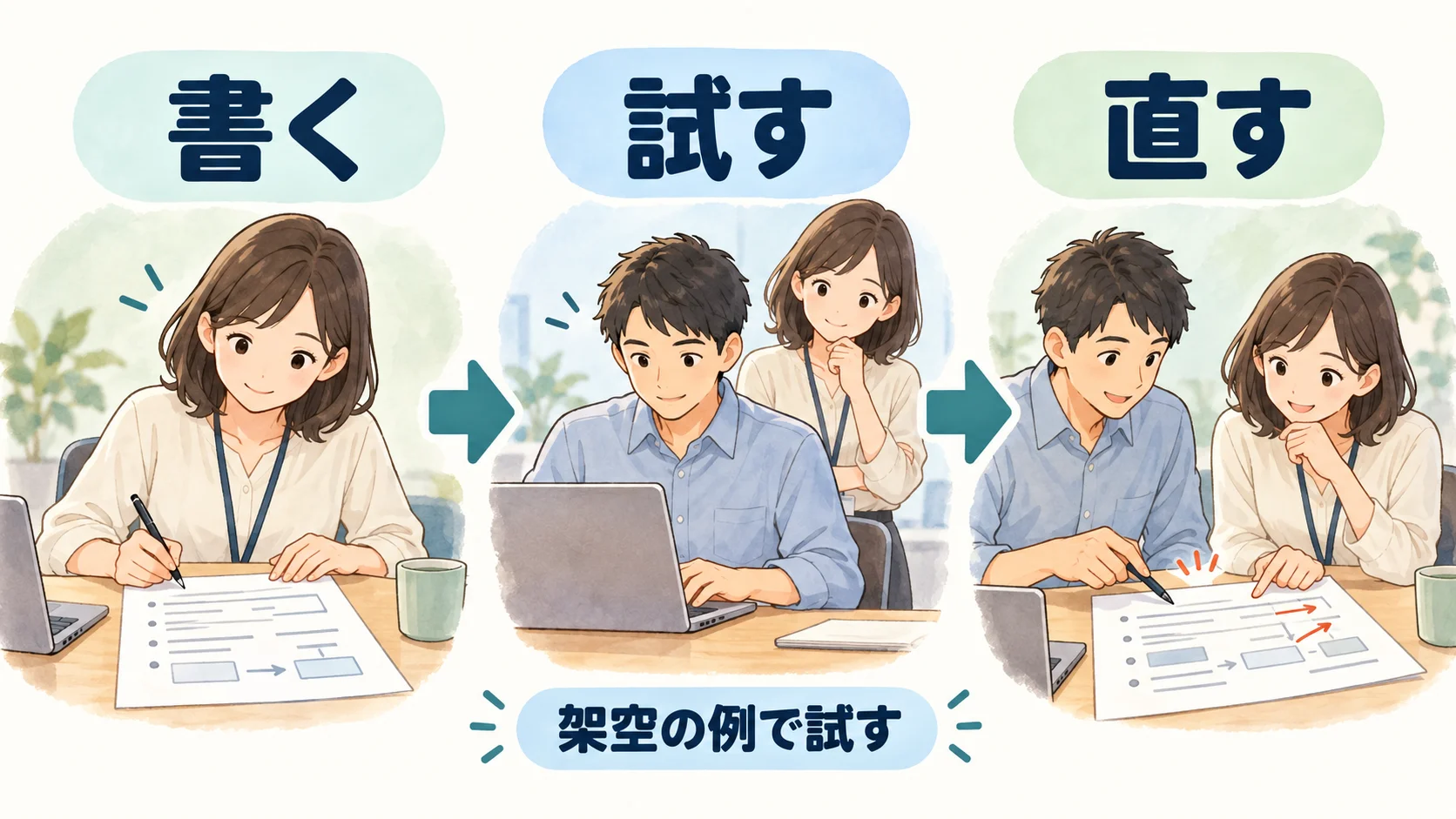
What can be understood from the diagram: Don't just hand over materials; test them with hypothetical scenarios and correct any confusing parts. This sequence is not for evaluating people, but for identifying deficiencies in the explanation.
Return completed work and corrected explanations to the same place.
If the successor only adds explanations to their own notes, the same questions will be repeated at the next handover. Any deficiencies found during testing, such as "missing completion marker" or "outdated document name," should be returned to the shared handover document. Assign a person to make corrections and a person to verify the content, and leave a single line noting the update date and changes.
For example, writing "October 18: Added contact record to shipping department as completion marker" makes it easier for those with previous versions to find the changes. Continuously creating new files with different names makes it hard to identify the latest version, so establish a single entry point for reading and align the method of retaining previous records with workplace management practices.
Even after handover, ask about any confusing points during regular work, such as on the first cycle day or during month-end checks. Rather than uniformly deciding review frequency, using changes in forms, changes in contacts, or the emergence of new exceptions as triggers for updates makes it easier to correct necessary explanations.
When told "the procedure doesn't match," compare the writer's memory with the successor's work. Distinguish whether it's a lack of documentation or a change in workplace practice itself before making corrections, to avoid forcing a return to old procedures.
When time is short, prioritize by deadline and stopping conditions.
During sudden absences or brief handovers, it may not be possible to write all operational instructions. In such cases, first list tasks due today/tomorrow, ongoing tasks, commitments to others, and conditions under which work should not proceed. Instead of leaving unconfirmed points blank, write "Unconfirmed, confirm with sales manager" to make unknowns visible.
For tasks that only occur at the end of the month or once a year, it's easy to forget them if postponed, so at least the deadline and location of materials are kept in a list. Whether the materials can be opened even if the person is absent is a separate check. Confirm with the workplace administrator whether the materials can be opened under the successor's name, and if necessary tools and contact information are available.
For long-term transfers or retirements, decide on the handover date, remaining checks, and the next review date. For temporary leave, include a method to check for changes upon return. In both cases, separately confirm that documentation exists and that the next person can proceed.
This week, reread one memo from the successor's perspective.
Choose one task from today's work and test if the next person in charge can answer: "What to do next?" "By when?" and "Who to ask if unsure?" If any supplementary words were used, don't just leave them as verbal; add them to the same memo.
Next, identify one clear indicator that the task is complete. To avoid assuming contact or entry, make it something that can be actually seen and confirmed, such as the status of a list or a copy. There's no need to change a large system from the start. You can begin by correcting one sheet that was used.
Key points of this article
- Separate materials to view, progress, and next actions, and record deadlines and points of contact for confirmation.
- Write down the completion indicator and the conditions for stopping and asking questions together.
- Test with hypothetical materials and supplement any confusing parts in the same document.


