
Summary
Key points of this document
- 1. The Four Major Risks Posed by Neglected Dependencies and Dead Code Accumulation
- 2. Why Are Both "Dependabot" and "Knip" Necessary?
- 3. Practical Dependabot Settings: Grouping Strategy to Prevent PR Proliferation
Overview
In software development, as features are added and modified, "obsolescence of dependent libraries" and "retention of unnecessary code (dead code)" are unavoidable.
In modern web applications that rely on the Open Source Software (OSS) ecosystem, neglected libraries are exposed daily to the risk of new security vulnerabilities (CVEs). Meanwhile, unused files, exported functions, type definitions, and unnecessary packages left behind during refactoring or feature deprecation quietly accumulate within the codebase, continuously burdening developers' cognitive load and build times.
This article explains the design and practical methods for combining automatic dependency patch updates by GitHub Dependabot with static analysis of unused code and dependencies by Knip, to autonomously complete continuous "Code Hygiene" management within the CI/CD pipeline.
1. The Four Major Risks Posed by Neglected Dependencies and Dead Code Accumulation
For teams that rely on manual operations for library updates and code pruning, the following four engineering risks inevitably materialize.
Neglecting Security Vulnerabilities and Expanding the Attack Surface
New vulnerabilities are reported daily in the vast collection of libraries, including transitive dependencies, introduced via package managers like npm. If patch application is person-dependent, it can lead to high-severity vulnerabilities remaining in production for several months.
Bloated Bundle Size Due to Unnecessary Code and Unused Dependencies
When features are consolidated/deprecated or libraries are switched, in the source code, ` import\ " statement is deleted, even if \ package.json\ `" package definitions remain, or unused utility functions and UI components are frequently left exported. These unnecessarily bloat the client-side distribution bundle size, degrading user's initial load performance (LCP and FID).
Type Checking and Build Pipeline Delays
TypeScript type checking (` tsc --noEmit\ `) and bundler tree-shaking consume memory and CPU time proportional to the total number of files and referenced type definitions in the project. When dead code accumulates in thousands of lines, CI/CD pipeline execution times increase, significantly degrading developers' feedback loops.
Increased Cognitive Load and Fruitless Maintenance Costs
A counterproductive situation arises where Dependabot issues vulnerability warnings for "unused dependency packages," and developers waste time applying patches and verifying the operation of those libraries. The mere existence of unnecessary code leads to increased investigation costs and dilution of test coverage.
2. Why Are Both "Dependabot" and "Knip" Necessary?
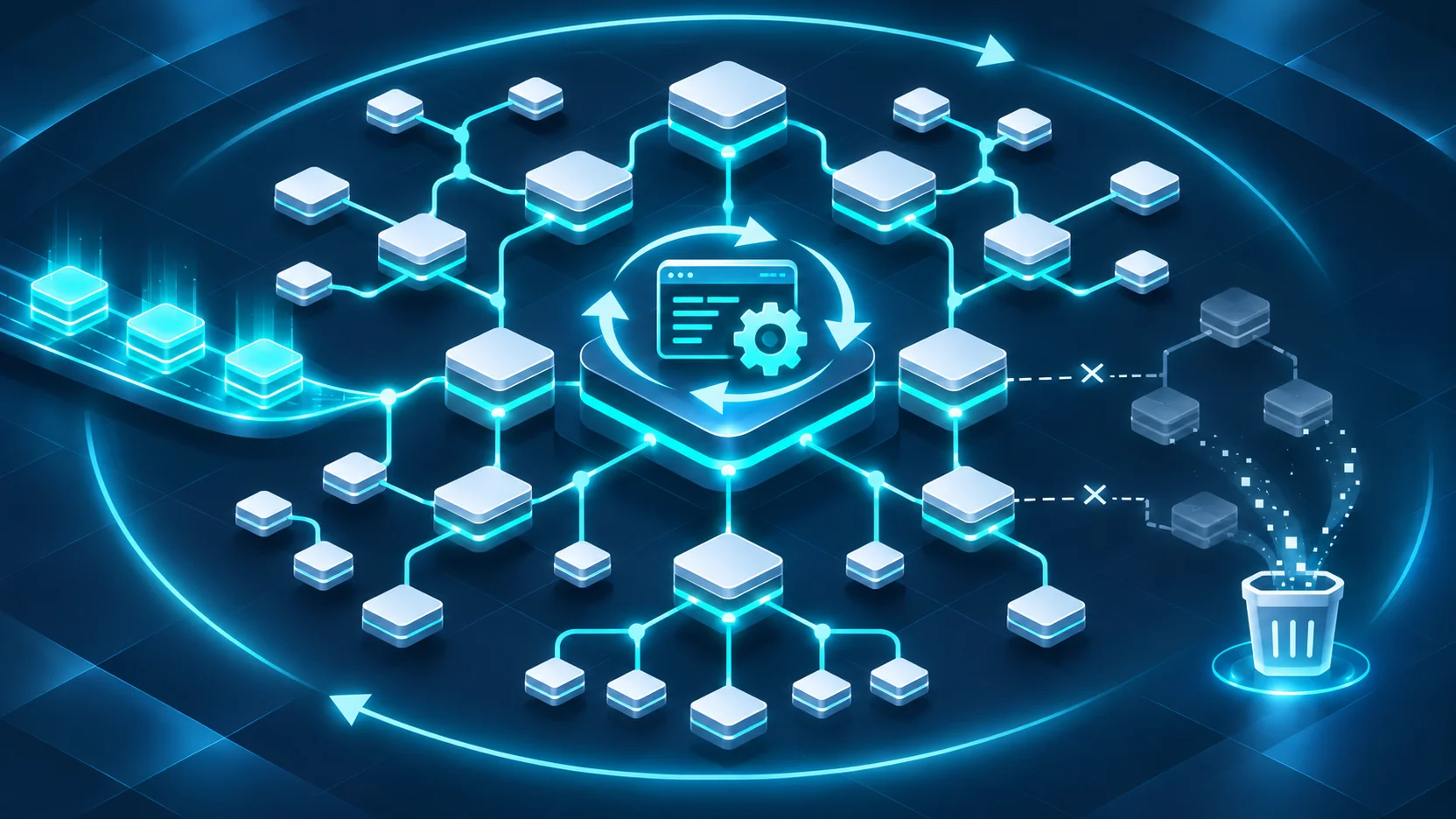
"Keeping dependencies up-to-date" and "pruning unnecessary dependencies/code" should not be treated as independent tasks, but rather designed as a single cyclical process.
Dependabot ensures the "health of externally introduced dependencies," while Knip audits the "necessity of internally held code and dependencies." Only when both are automated can the codebase maintain a minimal attack surface and optimal execution performance.
3. Practical Dependabot Settings: Grouping Strategy to Prevent PR Proliferation
If Dependabot is introduced with default settings, dozens of Pull Requests will be created simultaneously every week, leading to developer alert fatigue and stalled merges. For practical operation, ` dependabot.yml\ `" "Grouping" and "Schedule Control" are essential.
Configuration example:.github/dependabot.yml
version: 2
updates:
  - package-ecosystem: "npm"
    directory: "/"
    schedule:
      interval: "weekly"
      day: "monday"
      time: "04:00"
      timezone: "Asia/Tokyo"
    open-pull-requests-limit: 10
    groups:
      # Development tools (Linter, Formatter, testing framework, etc.)
      development-dependencies:
        dependency-type: "development"
        update-types:
          - "minor"
          - "patch"
      # Production libraries (batch only patch versions)
      production-patches:
        dependency-type: "production"
        update-types:
          - "patch"
      # Type definition packages (@types/*)
      typescript-types:
        patterns:
          - "@types/*"
        update-types:
          - "minor"
          - "patch"
    ignore:
      # Major updates involve breaking changes, so limit to manual verification
      - dependency-name: "*"
        update-types: ["version-update:semver-major"]
Key Points for Grouping Operations
- PR Aggregation by Dependency Type: ` devDependencies\ `" are consolidated into a single PR, dramatically reducing the number of reviews.
- Separation of Patch and Minor Versions: For ` dependencies\ `" that affect production operation, only patch versions (bug fixes, vulnerability fixes) should be grouped, allowing minor version upgrades to be verified individually.
- Fixed Execution Date and Time: By scheduling it just before the development team starts work (e.g., early Monday morning), a system is established where CI results can be checked as a routine at the beginning of the week, allowing for smooth progression to merging.
4. Thorough Static Analysis of Dead Code and Unused Dependencies with Knip
In the TypeScript and JavaScript ecosystem, traditional linters (like ESLint's ` no-unused-vars\ " etc.) could only detect "unused variables within a file." Inter-file reference relationships, exported functions, \ package.json\ `It was difficult to cross-verify the usage of packages themselves listed in
The solution to this problem is Knip. Knip comprehensively traverses the dependency graph from the project's entry points and accurately identifies the following elements:
- Unused files: Isolated files not imported anywhere
- Unused exports: Functions, constants, or classes that are exported but not referenced externally
- Unused export types (Unused types / interfaces): Type definitions not referenced within type definition files
- Unused dependencies: ` package.json\ ` but not used in the code
- Undeclared dependencies (Unlisted dependencies): Imported in code but not explicitly listed in ` package.json\ ` (direct use of transitive dependencies)
Configuration example:knip.jsonc
{
  "$schema": "https://unpkg.com/knip@5/schema.json",
  "entry": [
    "src/index.ts",
    "src/server.ts",
    "scripts/**/*.{js,ts,mjs}"
  ],
  "project": [
    "src/**/*.{js,ts,tsx}",
    "scripts/**/*.{js,ts,mjs}"
  ],
  "ignore": [
    "**/*.d.ts",
    "src/legacy/**"
  ],
  "ignoreDependencies": [
    // Plugins indirectly used by build tools or runtime
    "@tailwindcss/postcss",
    "postcss"
  ],
  "ignoreExportsUsedInFile": true
}
Application in Monorepo Configuration (Workspaces)
Knip natively supports pnpm and npm Workspaces configurations. By defining entry points for each workspace in the root configuration file, you can traverse dead code across the entire repository while correctly resolving internal references between packages.
5. Integration Architecture into CI/CD Pipelines
To make Dependabot and Knip function effectively, it is crucial to integrate them into the CI/CD pipeline during both the Pull Request validation phase and regular batch processes.
GitHub Actions Workflow Implementation Example
name: Code Hygiene & Verification

on:
  push:
    branches: [main]
  pull_request:
    branches: [main]

jobs:
  verify:
    runs-on: ubuntu-24.04
    timeout-minutes: 10
    steps:
      - name: Checkout Code
        uses: actions/checkout@v4

      - name: Setup Node.js & pnpm
        uses: pnpm/action-setup@v3
        with:
          version: 9

      - name: Setup Node
        uses: actions/setup-node@v4
        with:
          node-version: 22
          cache: "pnpm"

      - name: Install Dependencies
        run: pnpm install --frozen-lockfile

      - name: Fast Static Lint
        run: pnpm lint

      - name: Type Check
        run: pnpm typecheck

      - name: Knip Dead Code Audit
        run: pnpm knip --no-exit-code --reporter compact
Importance of Knip Validation for Dependabot PRs
When library patches deprecate old APIs or change some type definitions, existing code may implicitly become unnecessary. By running Knip on Dependabot PRs, you can accurately identify "unnecessary code or interface mismatches resulting from dependency updates" before merging.
6. Operational Trade-offs and Practices to Prevent Failure
When introducing automation tools, the most critical concerns are reduced development speed due to excessive strictness and decreased team motivation due to false positives.
Phased Rollout Approach
If you suddenly introduce ` knip --strict\ ` and design the CI to fail, hundreds of existing dead code instances will be detected, completely halting development. It is recommended to proceed with the introduction in the following 3 steps:
- Phase 1 (Visibility): ` knip --no-exit-code\ `, only output reports within CI jobs to understand the current amount of dead code.
- Phase 2 (Preventing New Dead Code): Strictly apply Knip only to PR diffs or specific directories (new development modules) to prevent new technical debt from accumulating.
- Phase 3 (Full Cleanup and Permanent Gating): Set aside a planned refactoring period to bulk delete existing dead code, and in CI, ` knip\ ` fails, block the build (Fail-Closed).
Differences between Library Development and Application Development
When developing public npm packages (libraries), functions exported for external users are not referenced within the repository. Therefore, to prevent Knip from marking exports from entry points (` index.ts\ ) as "unused", you need to adjust the Knip configuration \ entry\ `must be strictly specified. On the other hand, since there are no external imports in internal web applications, all unreferenced exports other than routing files can be targeted for deletion as dead code.
7. Summary: Criteria for Maintaining a Sustainable Codebase
Automatic tracking of dependency libraries and dead code pruning are areas often postponed in the early stages of development. However, as project scale expands, manual inspection becomes impossible, and the cost of repaying technical debt increases exponentially.
- Dependabotto incorporate external updates in small, frequent, and grouped batches.
- Knipto continuously detect unnecessary internal references, types, and files, keeping the codebase lean.
- CI/CDas a bulwark to mechanically block the introduction of new vulnerabilities and dead code.
Standardizing this automation loop from the early stages provides a solid foundation for maintaining high development productivity and security standards over the long term.


